
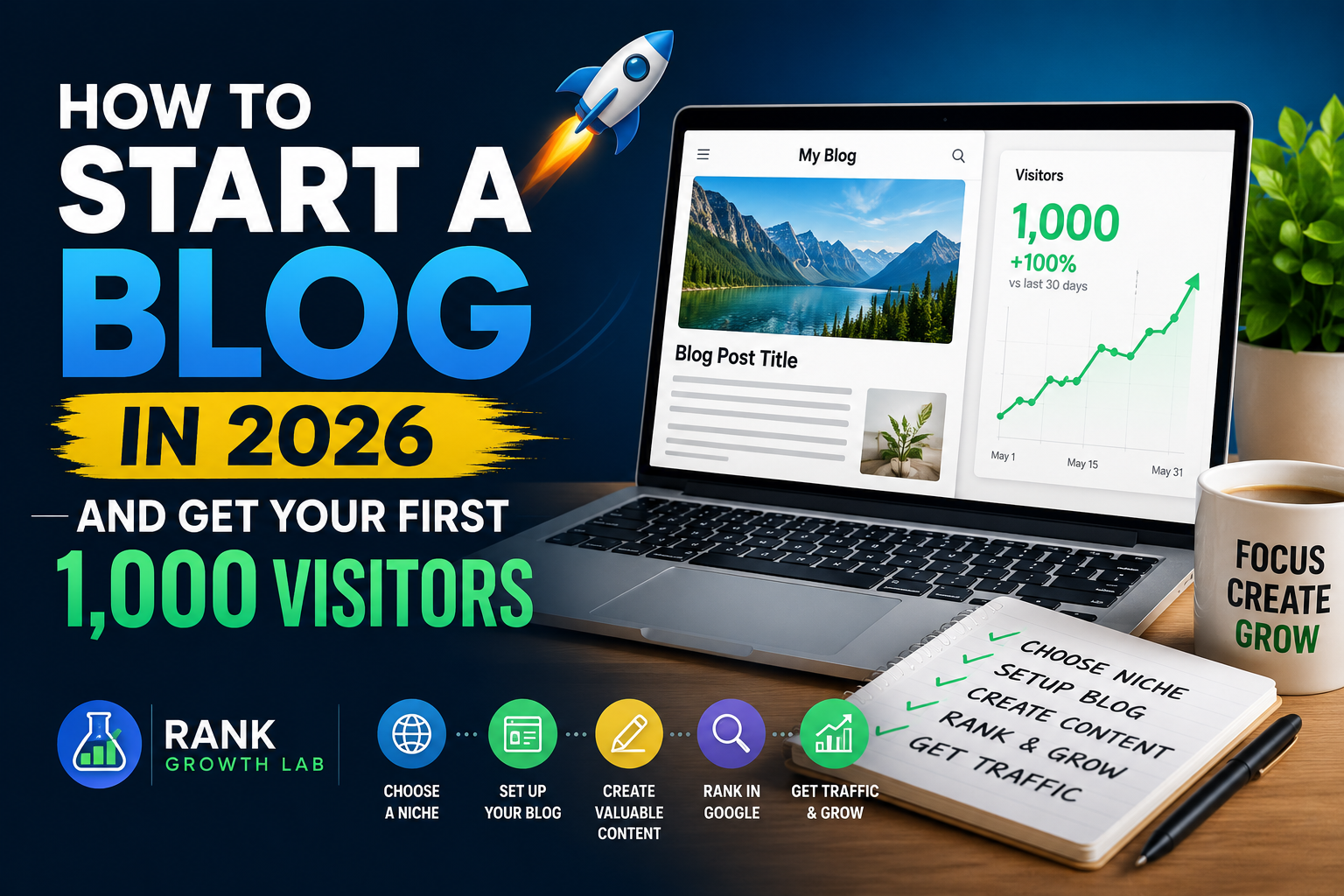
How to Start a Blog in 2026 and Get Your First 1,000 Visitors
The complete beginner’s guide — from picking a niche and setting up hosting to publishing your first article and getting real traffic. No paid ads required.
Most “how to start a blog” guides skip the part that actually matters — how to get anyone to read it. This guide covers both: the setup and the traffic strategy that works for new sites in 2026, without paid ads and without waiting years.
Starting a blog in 2026 is genuinely easier than it has ever been. The tools are better, the hosting is cheaper, and the free SEO resources available to beginners are far more powerful than anything that existed three years ago. What is harder is standing out — because everyone has access to the same tools. This guide focuses on the specific choices and strategies that give new blogs a real competitive advantage from day one.
Before You Start: The Two Questions That Determine Everything
Most bloggers fail not because they chose the wrong hosting or the wrong theme — they fail because they chose the wrong niche or the wrong content strategy. Before spending a single pound or rupee, answer these two questions honestly.
Question 1: Can you produce better content than what already exists?
Open Google and search for three topics you plan to cover. Read the top results. Ask yourself: can I write something more useful, more specific, or more current than this? If the answer is yes for most of them — you have a viable niche. If the first page is dominated by major publications with full content teams, narrow your focus until you find a corner of the topic where you genuinely can win.
Question 2: Is there searchable demand for your topic?
A blog topic needs to exist at the intersection of what you know and what people search for. Use Google autocomplete to test this — type your topic and see what variations appear. If Google is completing your sentences, real people are searching for those phrases. Those are your first article ideas.
The best blog niches in 2026 are specific problems for specific people — not broad topics. “SEO” is a topic. “Free SEO tools for bloggers with no budget” is a niche. The more specific you are, the less competition you face and the faster you can establish authority.
Step 1: Choose Your Hosting — This Decision Matters More Than Your Theme
When evaluating hosting, look for these three things: SSD storage (faster than traditional HDD), a free SSL certificate (required for Google trust signals), and a server location close to your target audience. If you are targeting USA and UK traffic, choose a server in the USA or Europe.
Step 2: Set Up WordPress — The Only CMS Worth Using in 2026
Once WordPress is installed, install these four plugins immediately — nothing else until your first ten articles are published:
- Rank Math SEO — handles all your on-page SEO, schema markup, sitemaps, and meta tags automatically
- WP Rocket or W3 Total Cache — speeds up your site by caching pages
- Smush or ShortPixel — compresses images automatically without losing quality
- UpdraftPlus — automatic backups so you never lose your work
Step 3: Pick a Fast, Clean Theme — Not a Beautiful One
Step 4: Set Up Google Search Console and Analytics Before Publishing Anything
Step 5: The Content Strategy That Actually Gets Traffic
This is where most blogging guides give generic advice about “writing great content.” Here is what actually moves the needle for new sites in 2026.
Target long-tail keywords exclusively for your first 20 articles
A long-tail keyword is any phrase of four or more words with a specific search intent. “How to do keyword research for a new blog with no budget” is a long-tail keyword. “Keyword research” is not — it is owned by sites with millions of backlinks. Every article for your first six months should target a keyword with fewer than 2,000 monthly searches and a difficulty score under 30.
Use the free keyword research tool at RankGrowthLab to find long-tail keyword ideas for your niche — no account required. Enter your seed topic and it generates specific low-competition phrases you can target immediately.
Write for search intent, not search volume
Before writing any article, search your target keyword in an incognito window and study the top 5 results. Are they lists? Step-by-step guides? Definitions? Your article format must match what Google is already rewarding for that query. A how-to guide that ranks for a list-intent query will almost never reach page one, regardless of quality.
Publish at minimum 1,500 words per article
Thin content — articles under 1,000 words — rarely ranks in competitive niches in 2026. Google’s quality guidelines increasingly reward depth and comprehensiveness. For every article, cover the topic more completely than the current top result. Answer the obvious follow-up questions. Add an FAQ section. Include examples. Aim for 1,500 to 2,500 words on most posts.
Step 6: On-Page SEO — The Non-Negotiable Checklist
Every article you publish should hit every item on this list before going live:
- Target keyword in the H1 title — exactly or very close to it
- Target keyword in the first 100 words of the article
- Meta title under 60 characters with keyword near the start
- Meta description 140-160 characters with a clear benefit and call to action
- At least 3 internal links to other relevant articles on your site
- At least 1 external link to a credible, authoritative source
- All images have descriptive alt text including the keyword where natural
- URL slug is short, clean, and contains the target keyword
- Article schema markup added via Rank Math
- Page submitted for indexing in Google Search Console after publishing
Use the free SEO analyzer to audit any page before publishing — it checks all the key on-page factors automatically.
Step 7: How to Get Your First 1,000 Visitors
Traffic from Google takes 3-5 months for a new site. Here is what to do in the meantime — and what continues to compound alongside Google traffic over time.
Step 8: The 90-Day Traffic Roadmap
When to Monetise Your Blog
The honest answer is: later than you think. Trying to monetise before you have traffic wastes time and hurts your content quality. Here is the realistic monetisation timeline:
Two affiliate programs every blogger in this niche should join immediately: Hostinger (pay $60+ per sale, easy to recommend to beginner bloggers) and Rank Math Pro (SEO plugin with a genuine affiliate program). Both fit naturally into beginner blogging content.
The One Thing That Separates Blogs That Succeed From Blogs That Fail
After analysing hundreds of new blogs, the pattern is clear. The ones that reach 1,000 visitors share one trait that failing blogs do not: they publish consistently for at least 90 days without stopping.
Not perfectly. Not every day. But consistently — three articles a week, every week, for three months — regardless of whether they see traffic yet. The first 100 visitors are the hardest you will ever earn. The compounding starts slowly and then accelerates in ways that feel sudden but were built gradually over those quiet early months.
The blogs that reach 10,000 monthly visitors are not smarter or more talented than the ones that stop at zero. They are simply the ones that were still publishing in month four when Google’s trust period ended and the rankings started moving.
What to Do Next
If you have not started yet: Choose your niche today using the two questions above. Get hosting set up this week. Publish your first article before the end of the month. The longer you delay the setup, the longer it takes for Google’s trust period to start.
If you have a blog but no traffic yet: Check your last five articles against the on-page SEO checklist above. Verify they are targeting long-tail keywords with under 2,000 monthly searches. Start posting on Pinterest and answering Reddit questions today — both send traffic before Google does.
If you want to speed up your SEO: Use the free SEO analyzer to audit your existing pages and the free keyword research tool to find your next ten article topics — both free, no account required.
Frequently Asked Questions
Common questions about starting a blog in 2026 and getting your first visitors.
The minimum realistic cost is around $30-50 for the first year — roughly $3-4/month for shared hosting plus a domain name ($10-15/year). WordPress itself is free. All the plugins you need to start are free. All the SEO and keyword research tools you need for the first six months are free. You do not need to spend money on premium themes, paid SEO tools, or content writing services when starting out.
With consistent publishing of 3 articles per week and active Pinterest and Reddit promotion, reaching 1,000 monthly visitors within 90 days is achievable. Relying on Google SEO alone typically takes 6-12 months for a new domain. The fastest path combines Pinterest for immediate traffic with Google SEO for long-term compounding traffic.
No — but you need to publish consistently. Three high-quality articles per week outperforms daily low-quality posts every time. Google rewards depth and comprehensiveness over frequency. A 2,000-word article targeting a specific long-tail keyword will generate more traffic than five thin 400-word posts. Quality first, then consistency, then frequency.
Yes — but the strategy has changed. Generic blogs covering broad topics are harder to grow. Specific, expert-led blogs targeting niche audiences continue to grow successfully in 2026. The key shift is that Google now rewards genuine expertise and first-hand experience more than it rewards keyword density. If you have real knowledge in a specific area, blogging in 2026 rewards that more than ever.
Apply when your blog has at least 20 published articles, 3,000+ monthly visitors, and has been live for at least 3 months. Google AdSense in 2026 prioritises quality over quantity — a blog with 25 genuinely useful articles and 3,000 monthly visitors from USA, UK, and Europe will be approved faster than one with 50 thin articles and 10,000 visitors from low-value regions.