
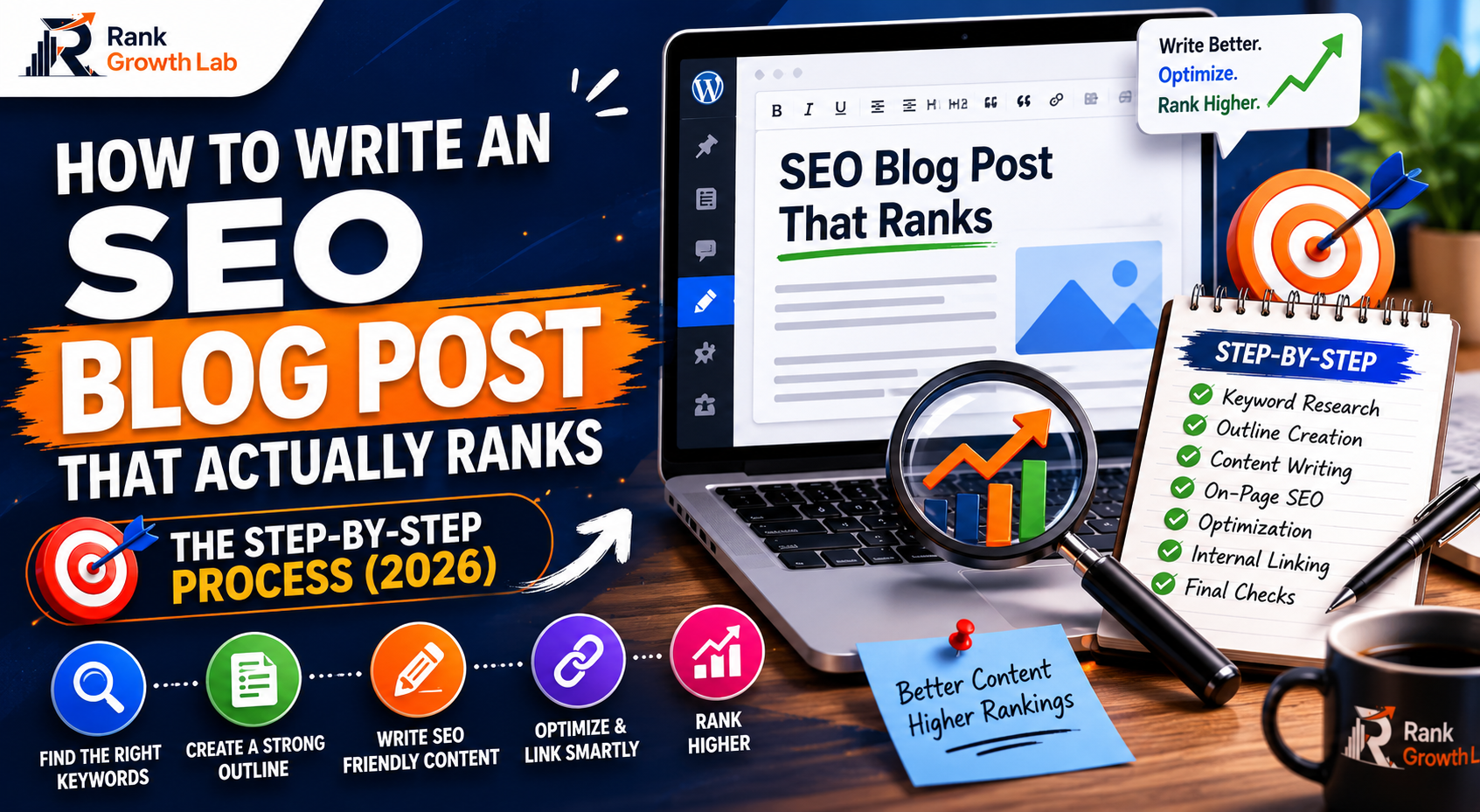
How to Write an SEO Blog Post That Actually Ranks: The Step-by-Step Process (2026)
Most blog posts never rank because they skip the research and structure that Google actually rewards. This is the exact process — from finding the right keyword to the moment you hit publish — that produces articles capable of ranking on page one.
I have published blog posts that sat at position 47 for eight months and never moved. I have also published posts that hit position 6 within three weeks. The difference was not talent, word count, or luck. It was process. This guide documents exactly what that process looks like in 2026.
Most SEO writing guides tell you to “write great content” and “use keywords naturally.” That advice is technically correct and practically useless — like being told to “just score goals” when you are learning football. What you actually need is a repeatable process that works before you sit down to write, while you are writing, and after you hit publish.
This guide is that process. It is the same workflow used on every article published on this site — including the one you are reading right now.
You have a WordPress site set up with Rank Math installed, Google Search Console connected, and at least a few articles published. If you are starting from scratch, read our WordPress SEO setup guide first — then come back here.
Why Most Blog Posts Never Rank — The Real Reason
Before the process, the diagnosis. Understanding why posts fail makes every step of the process make more sense.
The most common reason a well-written blog post never ranks is not bad writing. It is not even bad SEO. It is a fundamental mismatch between what the post is and what the person searching actually wants. Google calls this search intent — and getting it wrong is a death sentence for your rankings regardless of everything else you do correctly.
The second most common reason is targeting keywords that are genuinely impossible for a new site to rank for. “Digital marketing tips” has 300,000 monthly searches and is owned by sites with ten years of authority and thousands of backlinks. Writing a brilliant article targeting it on a six-month-old site is not brave — it is a waste of time that produces nothing.
The 9-Step Process for Writing SEO Blog Posts That Rank
Every SEO blog post starts with keyword research — not topic brainstorming. The difference matters. A topic is what you want to write about. A keyword is what your audience types into Google. These are often very different things.
For a new site — under twelve months old with fewer than thirty published articles — every target keyword should meet three criteria before you write a single word:
- Four or more words. Short keywords are dominated by established sites. “SEO tips for new bloggers with no traffic” is winnable. “SEO tips” is not.
- Under 2,000 monthly searches. Lower volume means lower competition. A hundred visits per month from a keyword you actually rank for beats zero visits from one you never reach page one for.
- Beatable current results. Search the keyword in incognito. If the first page is all Forbes, HubSpot, and major media sites — move on. If you see smaller blogs, forum threads, or pages from 2020 — that is a winnable result page.
The best free sources for keyword ideas: Google autocomplete (type your topic and stop before pressing enter), the People Also Ask box in current results, Google Search Console queries report for your existing articles, and the free keyword research tool at RankGrowthLab — no account needed.
The keyword research shortcut that works every time
Open Google Search Console and go to Performance → Pages. Click on any article that already gets impressions. Then switch to the Queries tab. You will see every keyword that article is already appearing for. Some of those keywords are closely related topics you have not specifically written about yet — those are your next articles. They are validated demand with zero guesswork.
This is the step most guides either skip or explain badly. Search intent is not a concept — it is an instruction. It tells you exactly what format your article needs to be, what questions it must answer, and what it definitely should not include.
Open a private browser window. Search your target keyword. Study the top five results carefully. Ask yourself:
- What format dominates — numbered lists, how-to guides, comparison tables, or definitions?
- What depth are the results — quick answers or comprehensive guides?
- What angle do they take — beginner-focused, technical, or case study-based?
- What questions appear in the People Also Ask box below the results?
Your article must match the dominant format. This is not copying — it is understanding what the searcher actually needs. Google has already done the research on what satisfies this query. The format of the top results is its answer.
Your article outline should be built by studying what the top results cover — not by brainstorming what you think should be in the article. This feels counterintuitive but it is one of the most important shifts in how you approach SEO writing.
Open the top three results for your keyword. Read them completely. Write down every major section they cover, every question they answer, and every subtopic they address. Then ask: what did they miss? What questions do readers have that none of these articles fully answer? What has changed since these articles were written?
Your outline should include everything the top results cover (for relevance) plus the gaps they leave (for differentiation). Google rewards pages that are more comprehensive than the current results — not just different from them.
Specifically look at the People Also Ask questions for your keyword. Every question in that box is a section your article should include. These are real queries from real searchers that Google has identified as closely related to your main keyword — covering them makes your article more complete in Google’s eyes.
Write your H2 headings before writing any body content. Read just the headings — do they tell a complete story? Does someone reading only the headings understand what the full article covers? If not, restructure before you write a single paragraph.
Now you write. With keyword research done, intent decoded, and outline built, the actual writing is the fastest part of the process. Here are the rules that separate articles that rank from articles that do not:
The first paragraph is critical
Your first 100-150 words do two things simultaneously: they tell Google what the page is about and they tell the reader whether to stay or leave. Include your primary keyword naturally in the first paragraph. More importantly, answer the implicit question every searcher asks when they land on your page — “is this actually what I was looking for?” — within the first three sentences. Every word in the first paragraph should earn its place.
Write for depth, not word count
There is no magic word count. The right length is whatever it takes to cover the topic more completely and usefully than the current top results. For most informational content in 2026, that means 1,500 to 2,500 words — but the number is a consequence of thoroughness, not a target. If you are padding to hit a word count, cut the padding. If you are stopping short because you reached your limit, keep writing.
Use the exact keyword phrase — naturally
Include your primary keyword in your H1, in the first paragraph, and a few times throughout the article where it fits naturally. Do not repeat it mechanically — Google’s systems understand synonyms and related terms. “How to write SEO blog posts,” “writing blog posts for SEO,” and “SEO writing process” all signal the same topic. Use the full range of natural language rather than repeating a single phrase.
Every section should answer a specific question
The best SEO articles are structured as answers. Each H2 heading is a question the reader has. Each section answers it completely before moving on. This structure also aligns with how featured snippets are awarded — a clear question heading followed by a direct, concise answer paragraph is the most reliable path to capturing the box at the top of search results.
Add genuine expertise — not recycled information
Google’s Helpful Content system specifically evaluates whether content demonstrates first-hand experience and genuine knowledge. Include specific examples from your own experience, data points from your own site, observations that do not appear in other articles, and opinions that reflect real expertise. This is what separates a page that ranks from a page that summarises what other pages already say.
Your title tag and meta description are your advertisement in Google search results. You can rank in position 4 and still lose traffic to position 7 if their title tag is more compelling than yours. Most bloggers write these as an afterthought — the last thing they do before hitting publish, usually just the article title with no modification.
Title tag formula: [Primary keyword near the start] + [specific benefit or result] + [year if relevant]. Keep it under 60 characters. Every word should earn its place — vague filler like “The Ultimate Guide to” adds nothing and wastes character space.
Meta description formula: [Specific problem the reader has] + [what your article gives them] + [one concrete detail that builds credibility] + [call to action]. Keep it between 140-160 characters. Google bolds the words that match the searcher’s query — include your keyword naturally.
Use the free meta tag generator to write and preview your title and description — it shows character counts and a real search result preview so you can see exactly how your listing will look before publishing. Full guide on writing meta tags that get clicked: meta tags guide.
Internal linking is the most underused SEO tactic available to bloggers. Before you publish any new article, do both of the following — not just one:
Links from this article to others: Find at least three places in your new article where it is natural to link to other content on your site. Use descriptive anchor text — “our keyword research guide” instead of “click here” or “read more.” These links help Google understand what other pages on your site are about and pass some of the new article’s authority to those pages.
Links from other articles to this one: Go to three or four existing articles on your site and find a natural place to add a link to your new article. This is the step most people skip — and it is arguably more important than the outbound links. Every internal link pointing to a page is a signal to Google that the page matters. A page with zero internal links pointing to it gets crawled less frequently and passes less ranking authority.
Rank Math’s Link Suggestions panel (visible in the WordPress editor sidebar) automatically suggests relevant internal links as you write. Use it — it consistently surfaces connections between articles that you would not spot manually.
Schema markup is the difference between a standard blue link in search results and an enhanced result with star ratings, FAQ dropdowns, or breadcrumbs. In 2026 it also determines whether AI systems like Google AI Overviews cite your content. Pages without schema are functionally invisible to AI search regardless of content quality.
With Rank Math installed, adding schema to each article is a two-minute task:
- In the WordPress editor, open the Rank Math sidebar → Schema tab → set type to “Article” or “BlogPosting”
- Add a FAQ section to the bottom of the article (answering 4-5 real questions readers have)
- Use Rank Math’s FAQ block — it automatically generates FAQ schema from the questions you add
Validate the schema at search.google.com/test/rich-results before publishing. Fix any errors shown. For the complete schema setup guide, see our schema markup guide.
Two things that take five minutes and have an outsized impact on rankings:
Image alt text: Every image in your article needs a descriptive alt text that explains what the image shows and, where natural, includes your keyword. This helps visually impaired readers, helps Google understand your images, and contributes to your page’s overall relevance signal. “on-page-seo-checklist-2026.webp” tells Google something. “image1.jpg” tells it nothing.
Image compression: Unoptimised images are the single most common cause of slow WordPress pages. With Smush active, images are compressed automatically on upload. But if you have older images in your media library, run the bulk optimiser from the Smush dashboard — it typically reduces the total image weight of a site by 40-70% and produces immediate Core Web Vitals improvements.
Before publishing, run a quick check at pagespeed.web.dev on a similar article. If your mobile score is under 70, diagnose the speed issues before adding more content to the problem.
Hitting the Publish button is not the end of the process — it is the beginning of the second phase. A published article that nobody can find and no systems know about is just a tree falling in an empty forest.
Request indexing immediately
Go to Google Search Console → URL Inspection → paste your new article URL → click Request Indexing. This tells Google to crawl your page now rather than waiting for the next natural crawl cycle. On new sites, the next natural crawl can be days or weeks away. Requesting indexing typically reduces this to hours.
Share to every platform you are active on
Post the article on Twitter/X with a specific takeaway from it — not just the title and link. Pin a new pin on Pinterest linking to the article within 24 hours of publishing. Answer a Quora question on the same topic and reference the article naturally. Post on LinkedIn if you have a company page. Each of these creates an additional signal to Google that the article exists and is being shared by real people.
Import to Medium after 48 hours
Wait at least 48 hours after publishing on your own site before importing to Medium. This ensures Google establishes your site as the canonical source before seeing the Medium version. Use Medium’s import feature — it automatically adds a canonical link back to your original. This gives you a DR90+ backlink while protecting your site’s status as the original. Full schedule in our backlinks guide.
Monitor and update after 60 days
Check Search Console sixty days after publishing. Look at which keywords the article is getting impressions for. If it is appearing for queries you did not specifically write about — add a section addressing those queries directly. If the average position is between 10 and 20 — update and expand the article to push it into the top 10. Position 15 to position 3 can be a five-fold traffic increase from a single update.
The Article That Took Me from Zero to Ranking in Three Weeks
I want to give you a concrete example because abstract process guides are only half useful.
The article “Beginner’s Guide to Google Search Console” on this site went from published to generating 25+ Google impressions per day within two weeks. Here is exactly why — not theory, actual reasons:
- The keyword “google search console guide” had clear demand (people searching it) but the current top results included several that were outdated (written in 2022-2023)
- The article covered every report in Search Console that matters — matching the comprehensive intent behind the query
- It included the specific weekly routine we use ourselves — first-hand experience, not recycled information
- It linked to six other articles on this site and had three articles linking back to it immediately after publishing
- FAQ schema was added and validated — making it eligible for rich results
- Indexing was requested within one hour of publishing
None of that is complicated. All of it is process.
The Complete Pre-Publish SEO Checklist
What to Do Next
For your next article: Work through this process in order before writing a single word. The research and planning phase — steps one through three — should take longer than you think. Most beginner writers rush this and spend ninety minutes writing something that was doomed before it started. Spend twenty minutes on keyword research, ten minutes on intent analysis, and fifteen minutes on the outline. The actual writing will be faster, better, and more likely to rank.
For your existing articles: Check Search Console for any published articles with significant impressions but low clicks. These are articles where the process worked for content but failed for the meta tags. Rewrite the title tag using the formula in step five. Check back in thirty days — a well-rewritten title consistently produces fifteen to forty percent CTR improvement.
To speed up the whole process: Use the free SEO analyzer to audit each article before publishing — it checks the on-page SEO factors automatically and flags what needs fixing before you hit Publish.
The writers who rank consistently are not more talented than the ones who do not. They are more methodical. They follow a process every time, on every article, without shortcutting the research because they already know what they want to write. The process is the competitive advantage — and now you have it.
Frequently Asked Questions
Common questions about writing SEO blog posts that rank in 2026.
There is no ideal length — the right length is whatever covers the topic more completely than the current top results. For most informational content on competitive topics, that typically means 1,500 to 2,500 words. For simple how-to queries where the top results are under 800 words, a shorter comprehensive answer beats a padded long one. Check the length of the top three results for your specific keyword and aim to match or modestly exceed them in depth — not just word count. Padding to hit a number hurts your rankings by diluting your content quality signal.
Target one primary keyword per post and two to three closely related secondary keywords. The primary keyword should appear in your H1, URL, title tag, first paragraph, and naturally a few times throughout the content. Secondary keywords should appear where they fit naturally — never forced. Modern Google understands semantic relationships and rewards natural language over keyword repetition. Using related terms, synonyms, and natural variations signals topical depth without the penalties that come from obvious keyword stuffing.
For low-competition long-tail keywords on an established domain, you can see first-page rankings within two to six weeks. For a new domain — under six months old — Google’s trust period typically means three to six months before rankings stabilise near their peak. This is not a reflection of content quality but of Google’s domain-level trust building process. The best way to shorten this period is consistent publishing — sites that publish regularly establish trust faster than sites that publish sporadically.
AI tools are useful for first drafts, outline generation, and research — not as a replacement for human expertise and editing. Google’s Helpful Content system specifically evaluates whether content demonstrates first-hand experience and genuine knowledge. AI-generated content that is published without significant human editing and expertise added tends to be generic, lacks specific examples, and reads identically to thousands of other AI-generated articles on the same topic. Use AI to speed up the drafting process, then add your own expertise, real examples, and genuine perspective. The full guide to using AI safely is in our AI content guide.
Search intent match is the single most important factor — because getting it wrong makes every other optimisation irrelevant. After intent, content depth and genuine expertise determine whether your page is actually more useful than the current top results. Keyword placement, internal linking, and schema markup are the highest-leverage technical factors. All of these work together — neglecting any one of them creates a ceiling on what the others can achieve. The process in this guide addresses all of them in the right order.