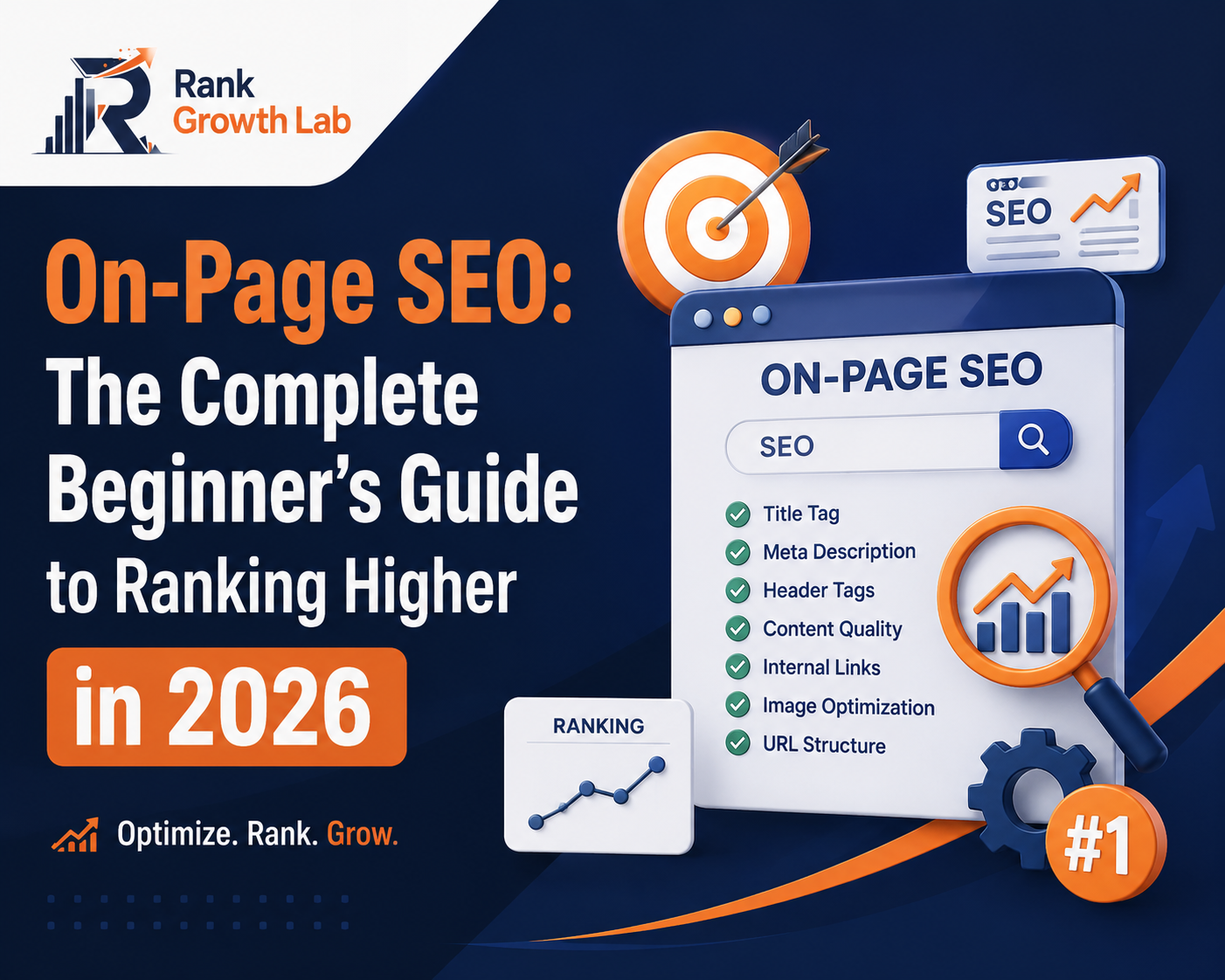
On-Page SEO: The Complete Beginner’s Guide to Ranking Higher in 2026
Everything that happens on your page — title tags, content, internal links, schema markup — determines whether Google ranks you or ignores you. This guide covers all of it, step by step, with no paid tools required.
On-page SEO is the foundation that everything else builds on. You can have the best backlinks in your niche and still rank nowhere if your pages are poorly optimised. This guide covers every on-page factor that actually moves rankings in 2026 — explained clearly, with real examples, and a free checklist at the end.
On-page SEO refers to everything you optimise directly on a web page to help it rank higher in search results. It includes your content, title tags, meta descriptions, headings, internal links, images, page speed, and schema markup. Unlike off-page SEO (which depends on other websites), on-page SEO is entirely within your control — which makes it the best place to start for any new site.
Why On-Page SEO Matters More Than Ever in 2026
Three shifts have made on-page SEO more important in 2026 than at any previous point:
AI Overviews cite well-structured pages. Google’s AI-generated summaries at the top of search results pull from pages that are clearly structured, have strong schema markup, and directly answer the question being asked. Poor on-page SEO means your content is invisible to AI systems even if you rank on page one.
Content quality standards have risen significantly. AI tools now generate millions of generic articles daily. Google’s Helpful Content system specifically filters for pages that demonstrate genuine expertise and first-hand experience. Surface-level, recycled content no longer ranks — depth and specificity are now the minimum standard.
Search intent precision is now required. Google’s understanding of what a searcher actually wants has become sophisticated. A page targeting “best free SEO tools” that reads like a tutorial rather than a comparison list will not rank regardless of content quality — because the format does not match the intent.
Fix what is on the page before worrying about what is off it. One page with excellent on-page SEO will outrank five pages with mediocre on-page SEO and twice the backlinks. Get the foundation right first.
The 12 On-Page SEO Factors That Actually Matter
The title tag is the clickable blue headline that appears in Google search results. It is the first thing Google reads to understand what your page is about, and the first thing a searcher sees when deciding whether to click. Getting it right is not optional.
Rules for 2026: Keep it between 50-60 characters. Include your primary keyword as close to the start as possible. Make it specific — vague titles get fewer clicks regardless of ranking. Use a year if the content is time-sensitive. Every title tag on your site must be unique.
No keyword specificity. No benefit. Generic.
Keyword first. Specific audience. Year for freshness.
Use the free meta tag generator to write and check your title tags — it shows character counts and previews exactly how your title appears in search results.
The meta description is the short text that appears below your title in search results. It is not a direct ranking factor — but it directly affects click-through rate, which indirectly affects rankings over time. A compelling description earns more clicks from the same position.
Rules for 2026: Keep it between 140-160 characters. Include your primary keyword naturally — Google bolds it when it matches the search query. Include a specific benefit and a call to action. Write it for the human reader, not the algorithm.
Google rewrites approximately 62% of meta descriptions — usually because the original was too generic or did not match the search intent of the query. Writing specific, intent-matched descriptions reduces how often Google overwrites yours.
The H1 is the main heading of your page. Google gives it significant weight as a relevance signal — it tells the algorithm what the page is fundamentally about. Every page should have exactly one H1 that includes the target keyword naturally.
Rules: One H1 per page only — never two. Include your primary keyword. Make it match or closely align with your title tag. Keep it under 70 characters. Never use your H1 for decorative or branding purposes — it is a structural SEO signal.
No keyword. No topic clarity. Google cannot determine relevance.
Primary keyword present. Topic clear. Audience defined.
Content is not just a ranking factor — it is the reason a page exists. Google’s Helpful Content system evaluates whether content demonstrates genuine expertise, covers the topic comprehensively, and provides real value beyond what already exists on the first page of results.
What Google actually looks for: First-hand experience and specific knowledge. Content that answers the obvious follow-up questions, not just the headline question. Depth without padding — every paragraph should earn its place. Original observations, data, or examples that do not appear in competing articles.
Minimum length in 2026: There is no magic word count. The right length is whatever it takes to cover the topic more completely than the current top results. For most informational content in competitive niches, that means 1,500-2,500 words. For some topics, 800 words of genuinely useful content beats 3,000 words of repetition.
Include your target keyword in the first 100-150 words of the article. Use it naturally throughout — never force it. Use related terms and synonyms rather than repeating the exact phrase. Google understands semantic relationships — it does not need you to repeat the same phrase twenty times.
Search intent is the reason behind a search. Google is highly sophisticated at determining whether a page matches what a searcher actually wants — and mismatched intent is one of the most common reasons well-written pages fail to rank.
Before writing any article, search your target keyword in an incognito window and study the format of the top five results:
- Are they numbered lists? Your article should probably be a numbered list.
- Are they step-by-step guides? Match that format.
- Are they comparison articles? Don’t write a tutorial.
- Are they definitions? Keep it concise and clear.
The format that dominates the current results is the format Google believes best serves that query. Matching it is not copying — it is understanding what the searcher needs.
Your URL slug is a minor but consistent ranking signal. Clean, descriptive URLs are also more likely to get clicked when they appear in search results — because users can see what the page is about before clicking.
No keyword. No context. Never use auto-generated URLs.
Short. Keyword present. Readable. Memorable.
Rules: Use hyphens not underscores. Include the primary keyword. Keep it under 60 characters. Never change a URL after a page has been indexed — always set up a redirect if you must.
Internal links are links from one page on your site to another. They serve two critical functions: they help Google discover and crawl all your pages, and they pass ranking authority from stronger pages to weaker ones. A well-linked site ranks significantly better than a disconnected collection of articles.
Rules for every new article: Link to at least three other relevant articles on your site. Make sure at least three existing articles link back to the new article. Use descriptive anchor text — never “click here” or “read more.” Link to your most important pages most frequently.
See our complete internal linking guide for the full strategy including topic cluster structure and how to audit your internal link profile using free tools.
Images affect your rankings in two ways: through alt text (which helps Google understand image content and contributes to relevance signals) and through file size (which directly affects page speed and Core Web Vitals scores).
Alt text rules: Write descriptive alt text for every image. Include your keyword naturally where it fits — never force it. Screen readers use alt text for accessibility — write it for humans first. An image of an SEO checklist should have alt text like “on-page SEO checklist for beginners 2026” not “image1.jpg” or “SEO SEO SEO tips”.
File size rules: Compress every image before uploading. Use WebP format where possible — it is significantly smaller than JPEG or PNG with no visible quality loss. The Smush or ShortPixel WordPress plugins handle this automatically for free.
Core Web Vitals are Google’s three page experience metrics — LCP (loading speed), INP (interactivity), and CLS (visual stability). Pages that fail these thresholds rank lower than pages with identical content that pass them. This is a confirmed ranking factor.
Targets for 2026: LCP under 2.5 seconds. INP under 200 milliseconds. CLS under 0.1. Check your scores free at PageSpeed Insights (pagespeed.web.dev) and in Google Search Console under Experience → Core Web Vitals.
For detailed guidance on what each metric means and exactly how to fix failures, see our Core Web Vitals guide.
Schema markup is structured data code that tells search engines what your content means — not just what it says. Valid schema unlocks rich results: star ratings, FAQ dropdowns, breadcrumbs, and How-To steps that appear directly in search results and dramatically increase CTR.
In 2026, schema also affects AI search visibility. Research shows that pages with valid schema markup are significantly more likely to be cited in Google AI Overviews, ChatGPT search, and Perplexity answers. Adding Article and FAQ schema is now the minimum requirement for comprehensive search visibility.
The easiest implementation: install Rank Math (free) and it adds Article, Organization, and Breadcrumb schema automatically. For FAQ schema, use Rank Math’s FAQ block in the WordPress editor. For the complete walkthrough, see our schema markup guide.
Headings (H2, H3, H4) structure your content hierarchically, making it easier for both readers to navigate and search engines to understand the full scope of your topic coverage. Each H2 should represent a major subtopic. Each H3 should represent a point within that subtopic.
Rules: Include your primary or related keywords in H2 headings where natural. Write H2s that answer the questions your audience actually asks. Think of your H2s as a table of contents — someone reading only the headings should understand what the full article covers. Use H3s to break down complex H2 sections without creating new main sections.
Your headings are also the source of featured snippets. A clear H2 question followed by a direct, concise answer paragraph is the most reliable way to capture the featured snippet box for that query.
E-E-A-T stands for Experience, Expertise, Authoritativeness, and Trustworthiness. It is not a single ranking factor but a framework Google’s quality raters use to evaluate whether a page deserves to rank. In 2026 with AI-generated content flooding the web, E-E-A-T signals are more important than ever.
How to demonstrate E-E-A-T on every page:
- Include a clear author byline with a short bio demonstrating relevant expertise
- Add a publish date and keep articles updated — freshness signals currency
- Include first-hand examples, specific data, or personal observations — not just recycled facts
- Link to authoritative external sources where appropriate
- Have a complete About page, Privacy Policy, and Contact page — trust signals for the whole domain
On-Page SEO Impact Reference Table
| Factor | Impact on Rankings | Time to implement | Free tool |
|---|---|---|---|
| Title tag | High | 2 minutes per page | Meta Tag Generator |
| Meta description | High CTR impact | 2 minutes per page | Meta Tag Generator |
| Search intent match | High | 10 minutes research | Google Search |
| Content depth | High | 60-90 minutes per article | None needed |
| Schema markup | High | 10 minutes with Rank Math | Rank Math plugin |
| Internal linking | High | 5 minutes per article | Rank Math suggestions |
| Core Web Vitals | High | 1-3 hours to fix | PageSpeed Insights |
| H1 heading | High | 1 minute per page | None needed |
| URL structure | Medium | 30 seconds per page | None needed |
| Image alt text | Medium | 1 minute per image | None needed |
| Heading structure | Medium | 5 minutes per article | None needed |
| E-E-A-T signals | High | 30 minutes setup, then ongoing | None needed |
The Complete On-Page SEO Checklist
Use this checklist for every article before publishing:
How to Audit Your Existing Pages
Publishing new articles with good on-page SEO is only half the job. Your existing articles may have issues that are silently limiting their rankings. Here is how to audit them:
Use the free SEO analyzer to check each article URL. It identifies missing meta tags, thin content signals, missing alt text, and other on-page issues automatically — no account required.
Go to Search Console → Performance → Pages. Sort by impressions. Any page with over 100 impressions and CTR under 2% has a weak title tag or meta description. Rewrite them using the formulas in our meta tags guide.
Go to Search Console → Links → Internal links. Look for important articles with very few internal links pointing to them. Go to your other relevant articles and add links pointing to those pages. This is one of the fastest ways to improve rankings for existing content.
What to Do Next
For your next new article: Use the 18-point checklist above before clicking Publish. Work through each item systematically — it takes fifteen minutes per article and the compound improvement across your whole site is significant.
For your existing articles: Run the top three through the free SEO analyzer this week. Fix the issues it identifies. Then check Search Console for any existing articles with high impressions and low CTR — rewrite those title tags first.
On-page SEO is not a one-time task. Every article you publish is an opportunity to do it right from the start. And every article you have already published is an opportunity to improve it. The sites that treat on-page SEO as an ongoing practice — not a setup step — are the ones whose rankings compound over time.
Frequently Asked Questions
Common questions about on-page SEO for beginners in 2026.
On-page SEO refers to everything you optimise directly on your web page — title tags, content, headings, internal links, images, schema markup, and page speed. It is entirely within your control. Off-page SEO refers to signals from outside your site — primarily backlinks from other websites, brand mentions, and social signals. Both matter for rankings, but on-page SEO should always come first. A page with excellent on-page SEO and few backlinks will often outrank a page with poor on-page SEO and many backlinks.
For new articles with strong on-page SEO, Google typically takes 3-6 months to rank them near their peak position on a new domain. For updates to existing articles — improving the title tag, adding more depth, fixing internal links — you can see ranking improvements within 2-4 weeks. On-page improvements to pages already in positions 5-15 tend to produce the fastest visible results, since those pages are already in Google’s consideration set and small quality improvements can push them into the top 3.
Target one primary keyword per page and two to three closely related secondary keywords. Do not try to target multiple unrelated keywords on the same page — this confuses Google about the page’s topic and dilutes its relevance signal for any single query. The primary keyword should appear in your H1, title tag, URL, and first 100 words. Secondary keywords should appear naturally in the body text and H2 headings where relevant. Modern Google understands semantic relationships — using related terms and synonyms is more effective than repeating the exact primary keyword.
No — every on-page SEO factor in this guide can be implemented using free tools only. Google Search Console monitors your performance. PageSpeed Insights checks your Core Web Vitals. Rank Math (free WordPress plugin) handles title tags, meta descriptions, schema markup, and sitemaps. The RankGrowthLab free SEO analyzer audits any page for on-page issues. The free meta tag generator writes and checks your title tags and meta descriptions. Paid tools like Ahrefs and Semrush add speed and scale — they are not required to implement effective on-page SEO on a new site.
Search intent match is arguably the single most important on-page factor — because getting it wrong makes every other optimisation irrelevant. A perfectly optimised page that does not match what the searcher wants will never rank regardless of keyword density, backlinks, or content quality. After intent match, content quality and depth determine whether your page is genuinely more useful than the current top results. Title tag and internal linking are the highest-leverage technical factors. All twelve factors in this guide work together — neglecting any of them limits the ceiling of what the others can achieve.